How to configure 3-way matching in Odoo
Four steps, captured live in the Odoo demo: open the Purchase settings, tick 3-way matching under Invoicing, and save.
-
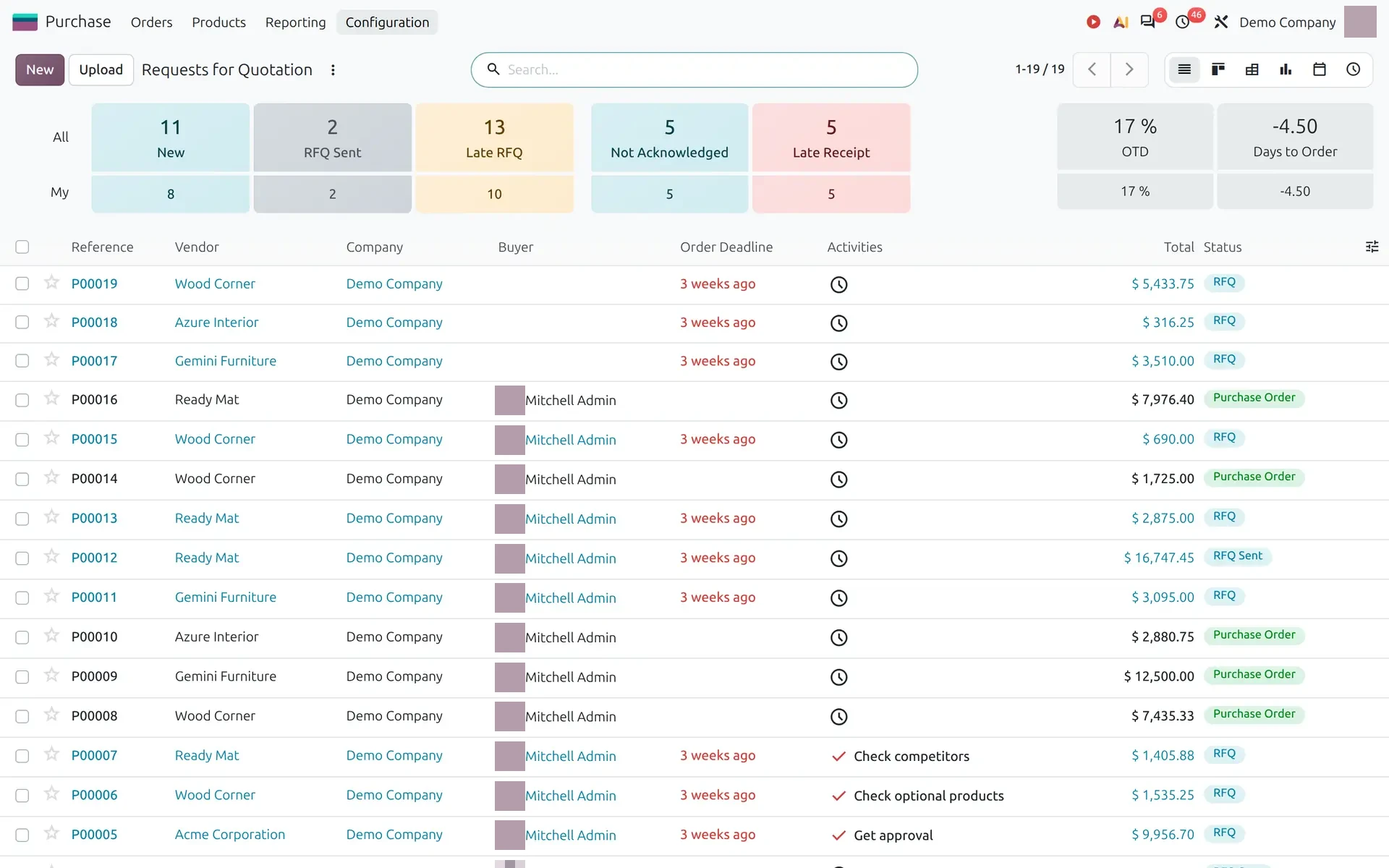
1Open the “Configuration” menu
-
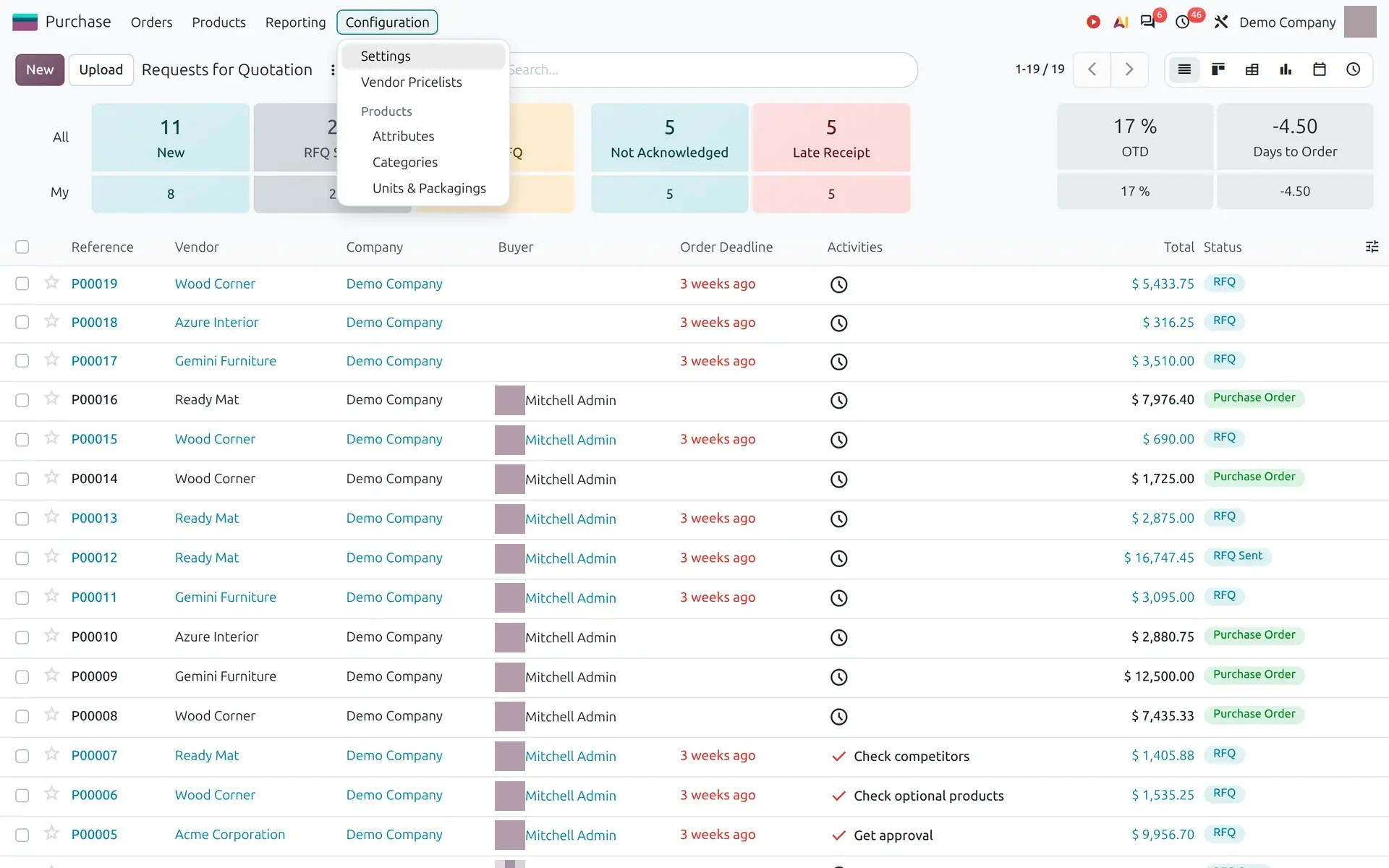
2Click “Settings”
-
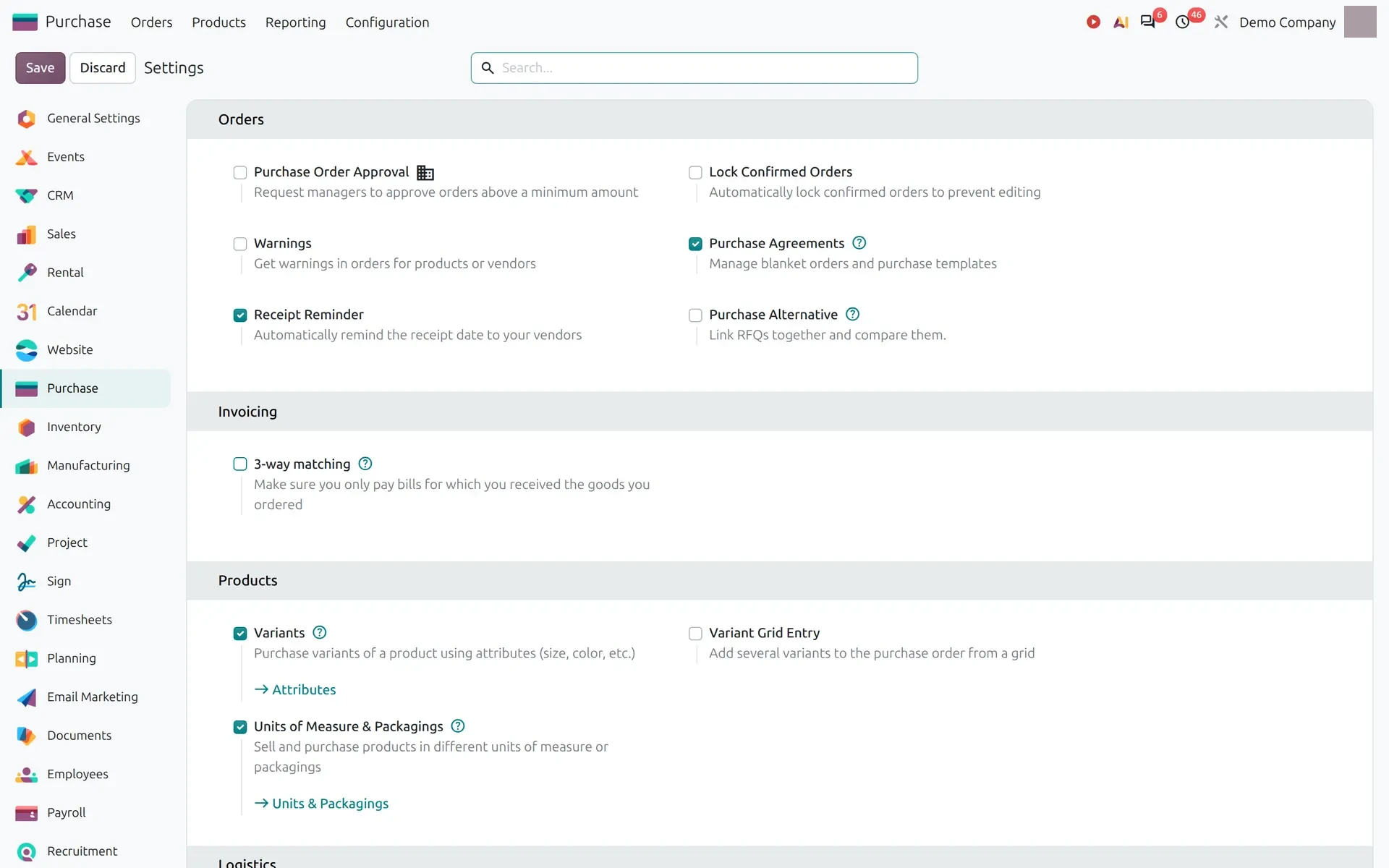
3Under Invoicing, tick “3-way matching”
-
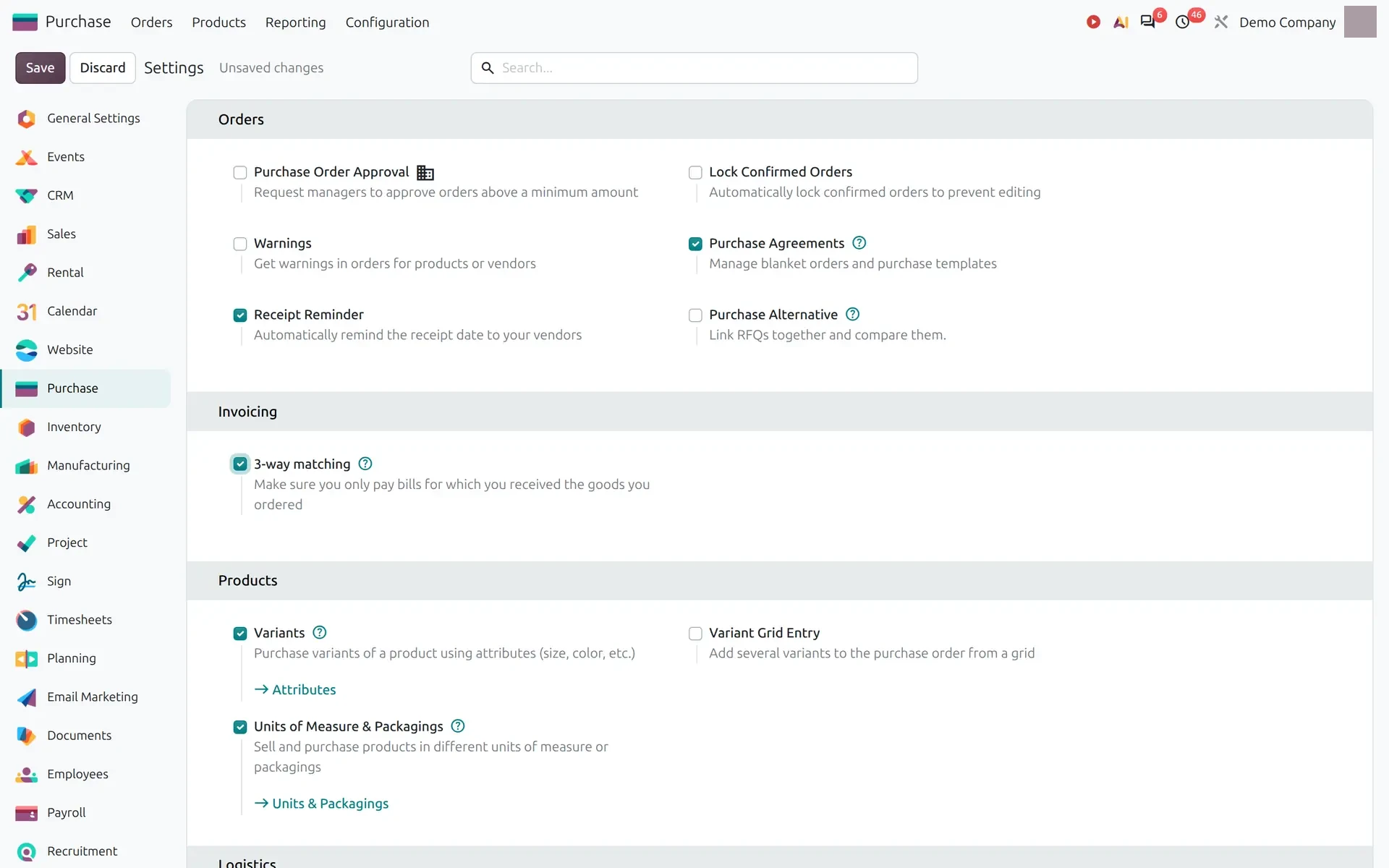
4Click “Save”
Was this helpful?