How to configure an outgoing mail server in Odoo
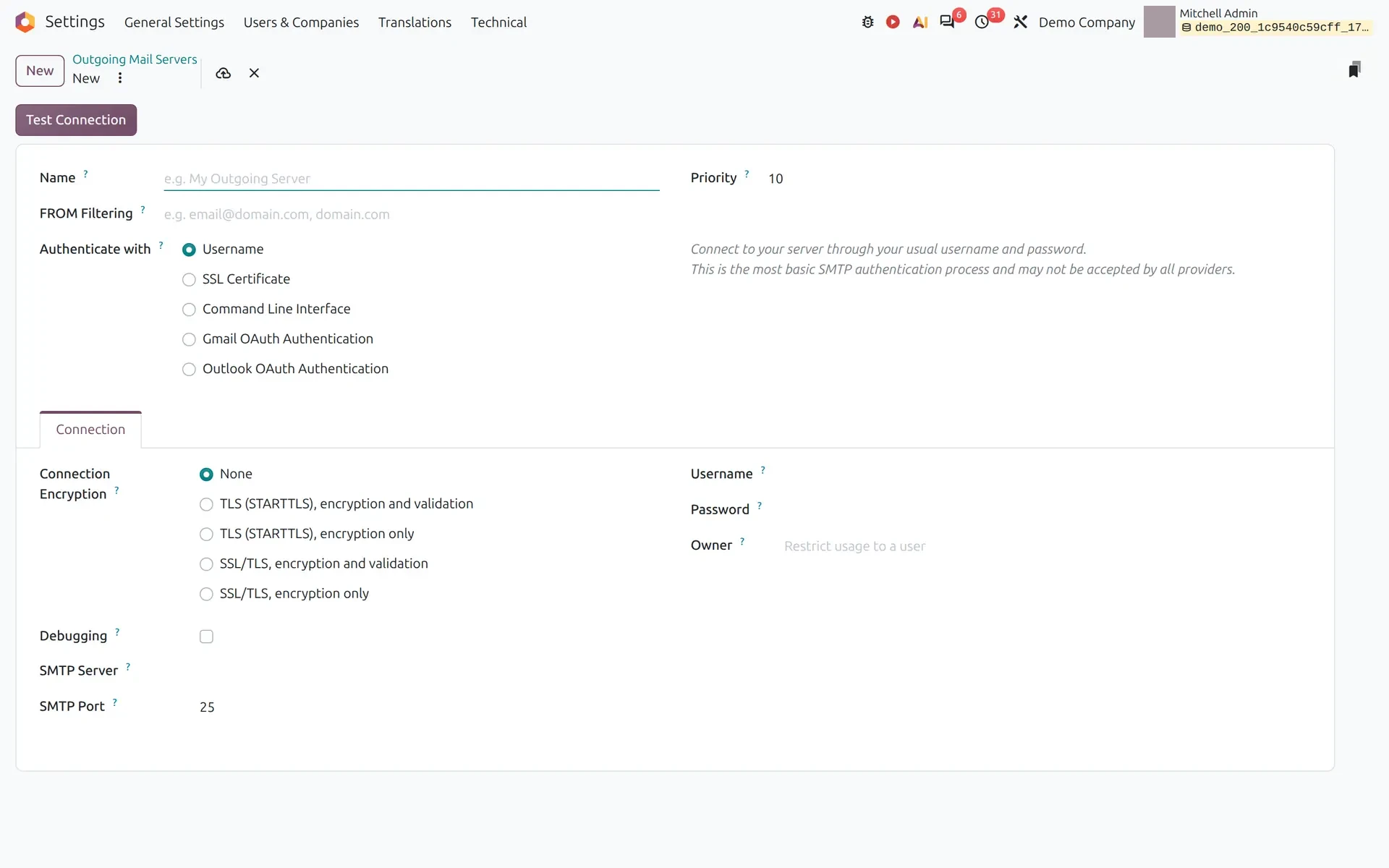
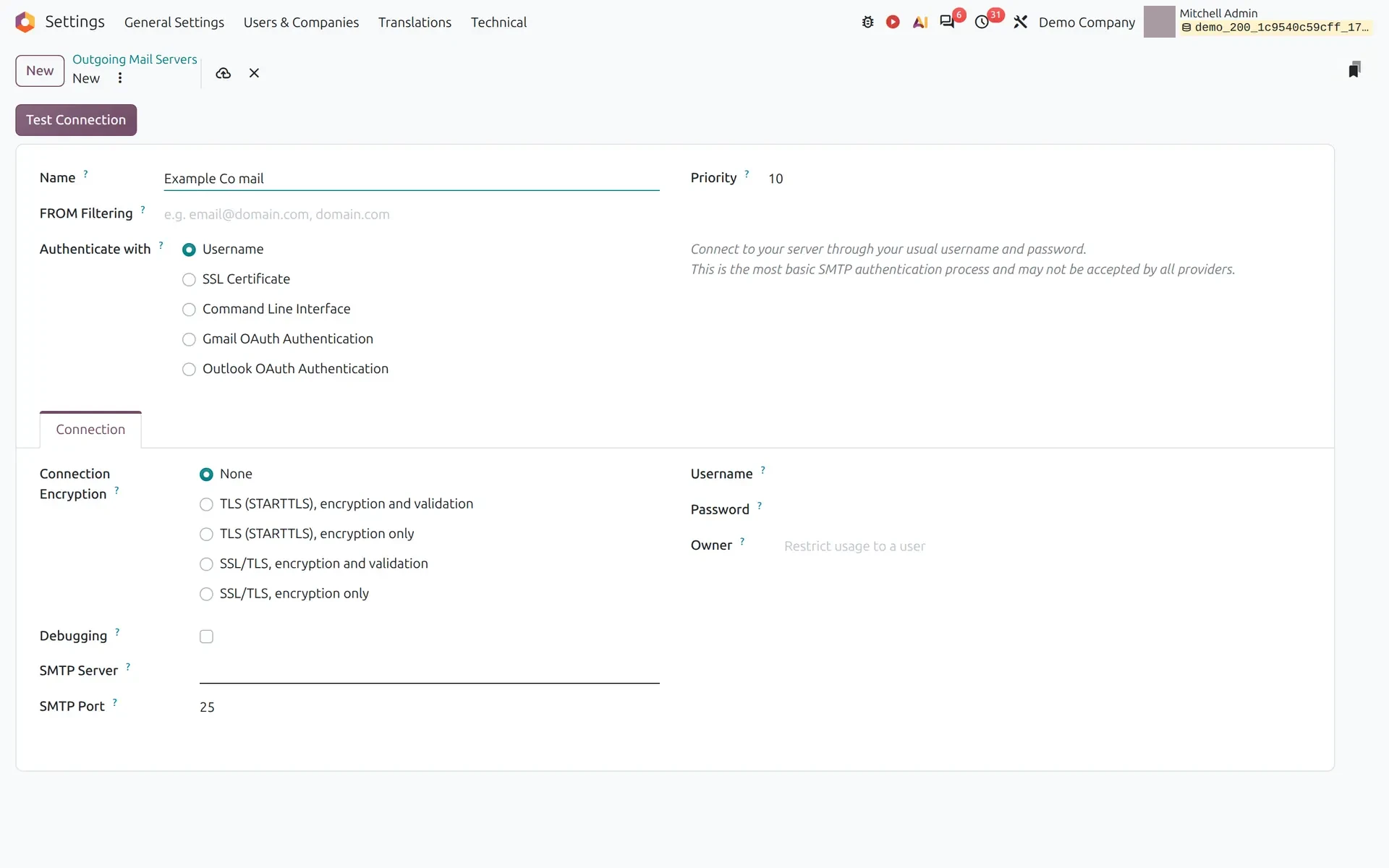
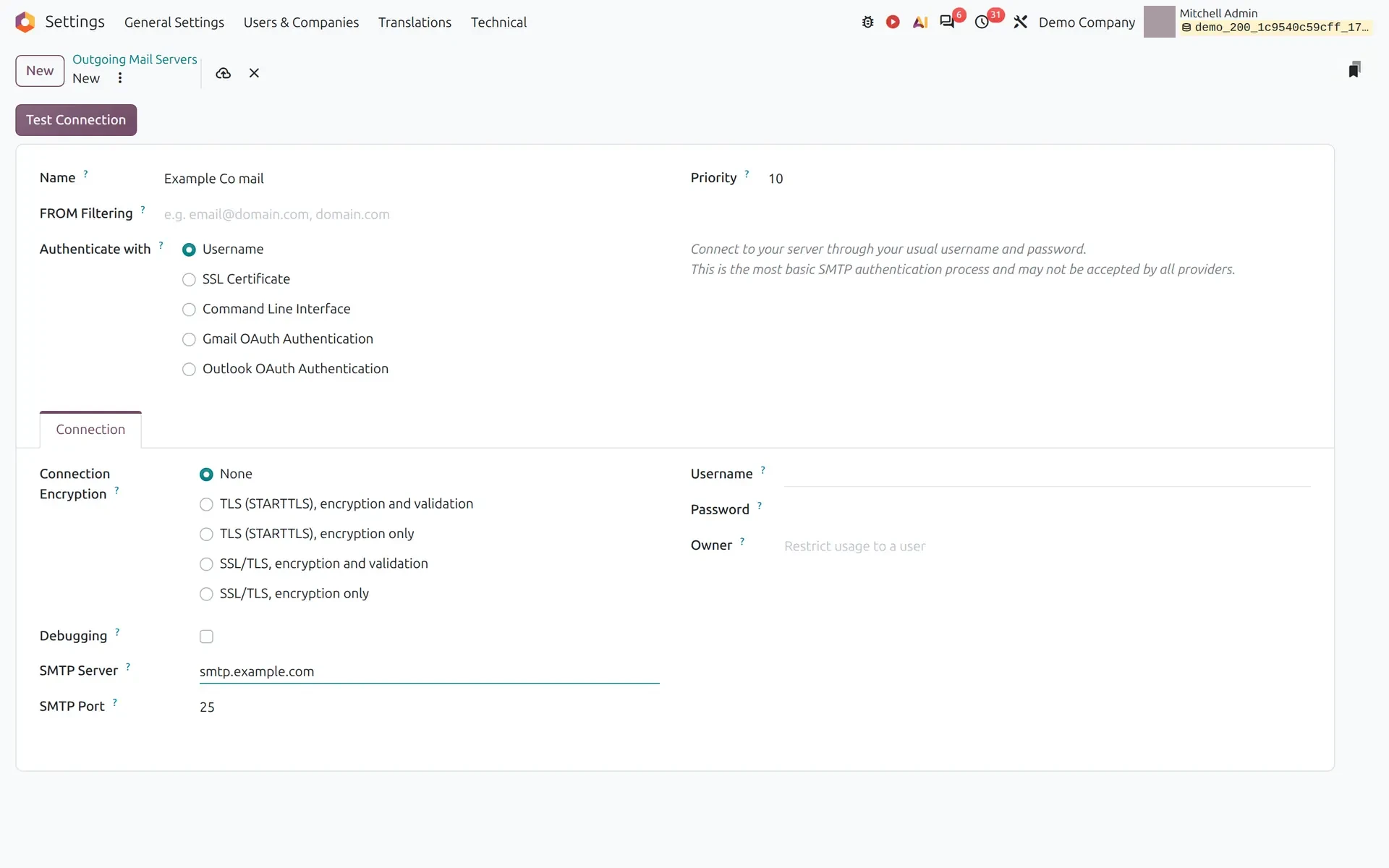
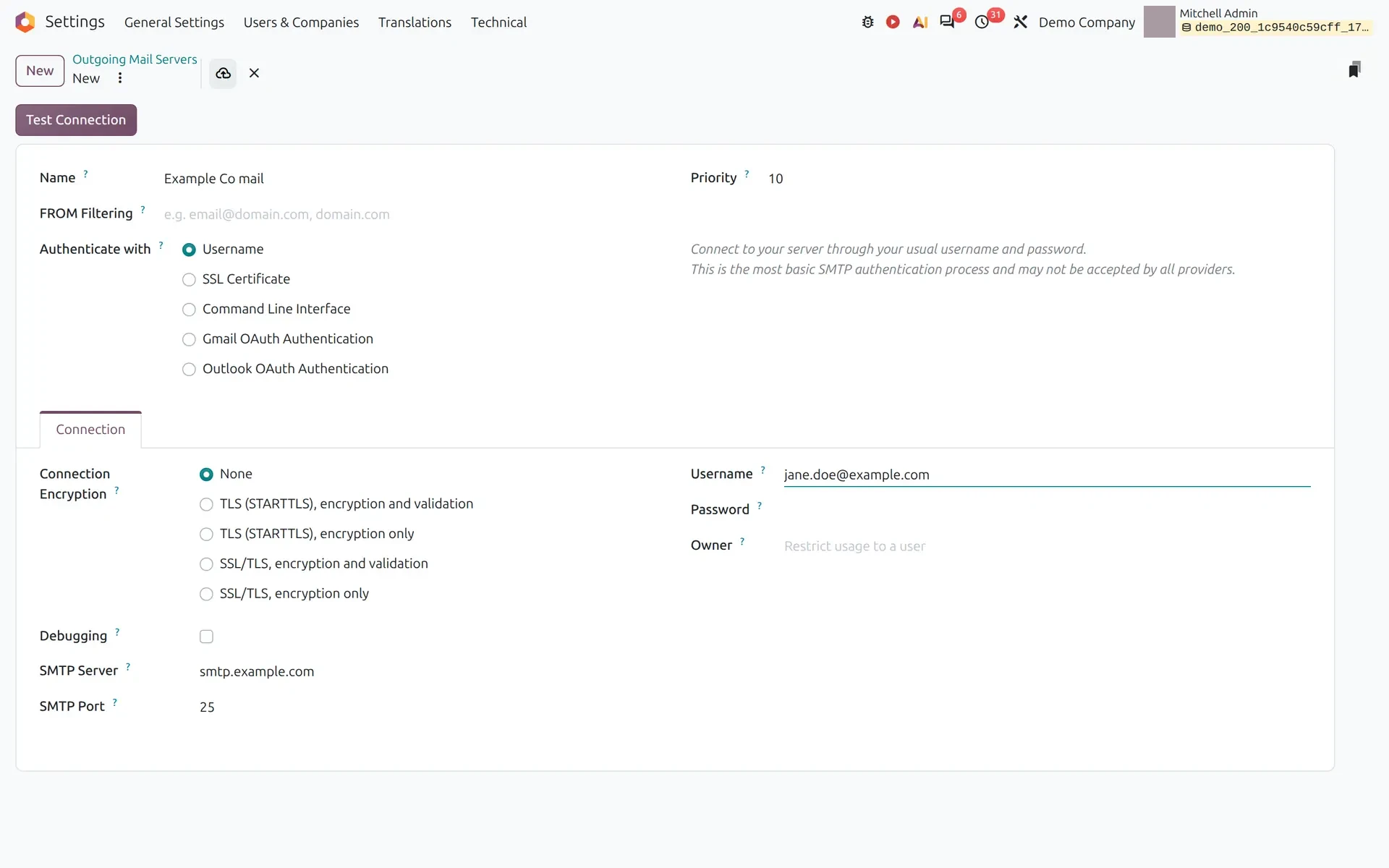
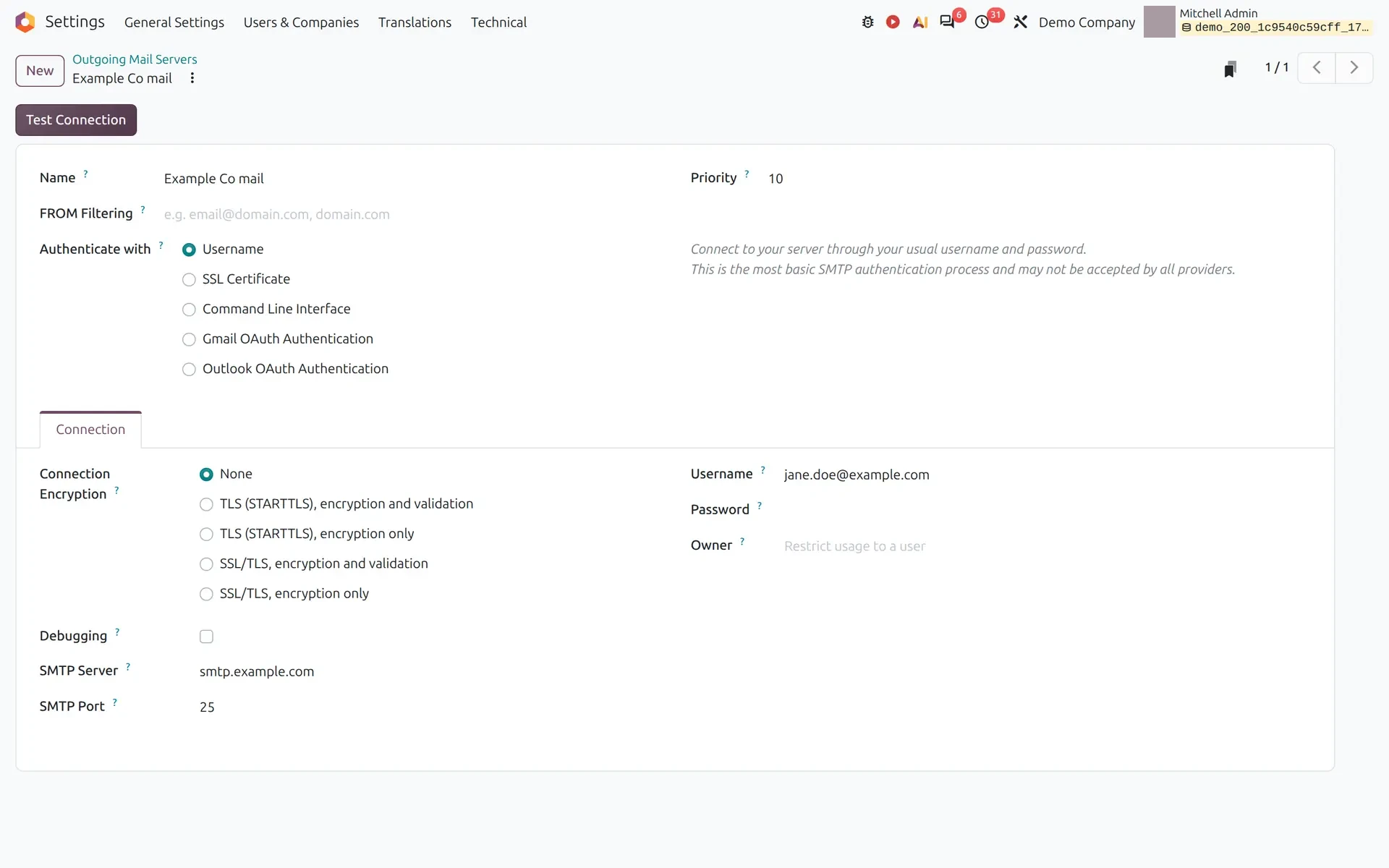
Nine steps, captured live in the Odoo demo: switch on developer mode, open Outgoing Mail Servers, add a server with its host and username, save it, and find “Test Connection”.
-
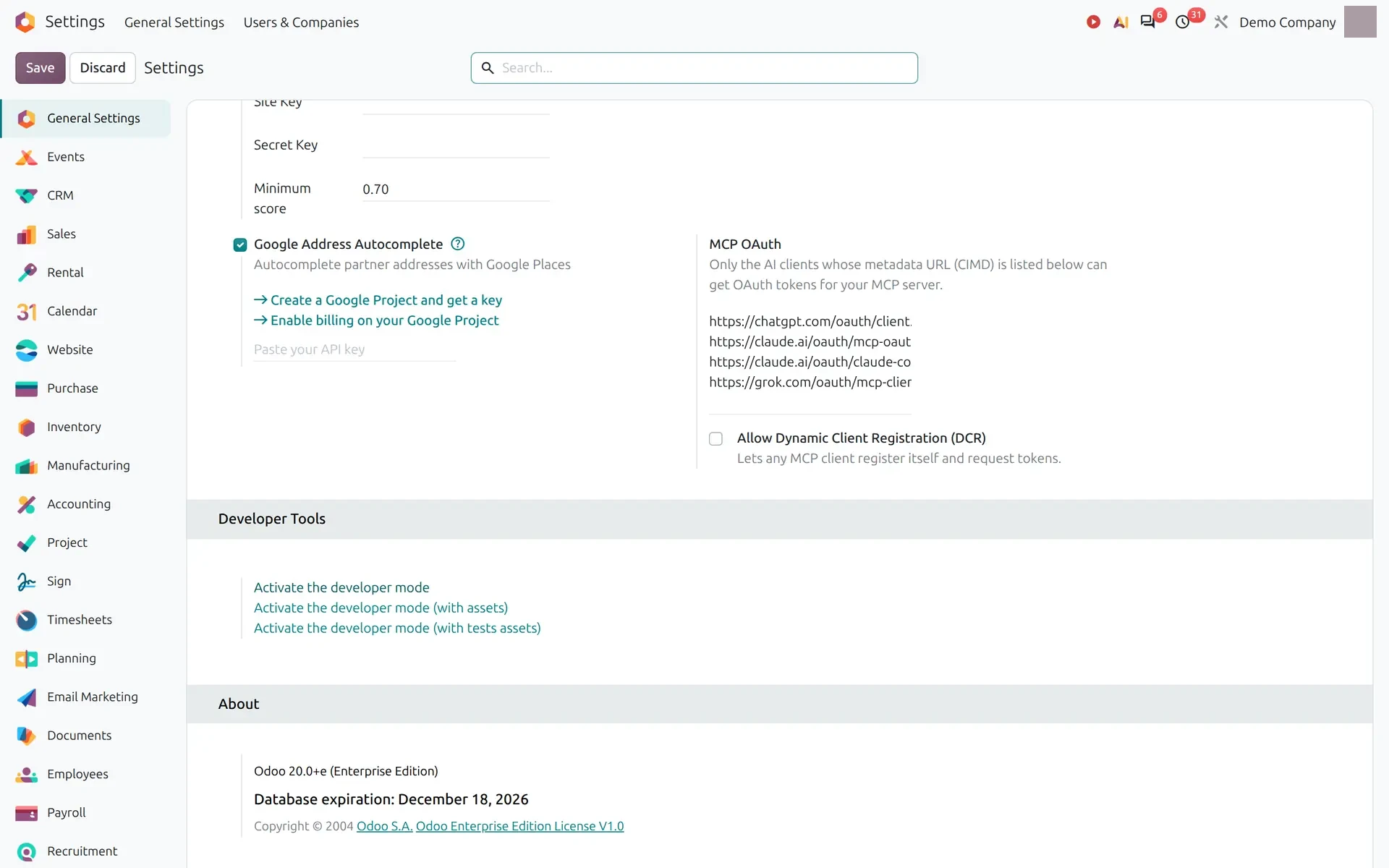
1In Settings, click “Activate the developer mode”
-
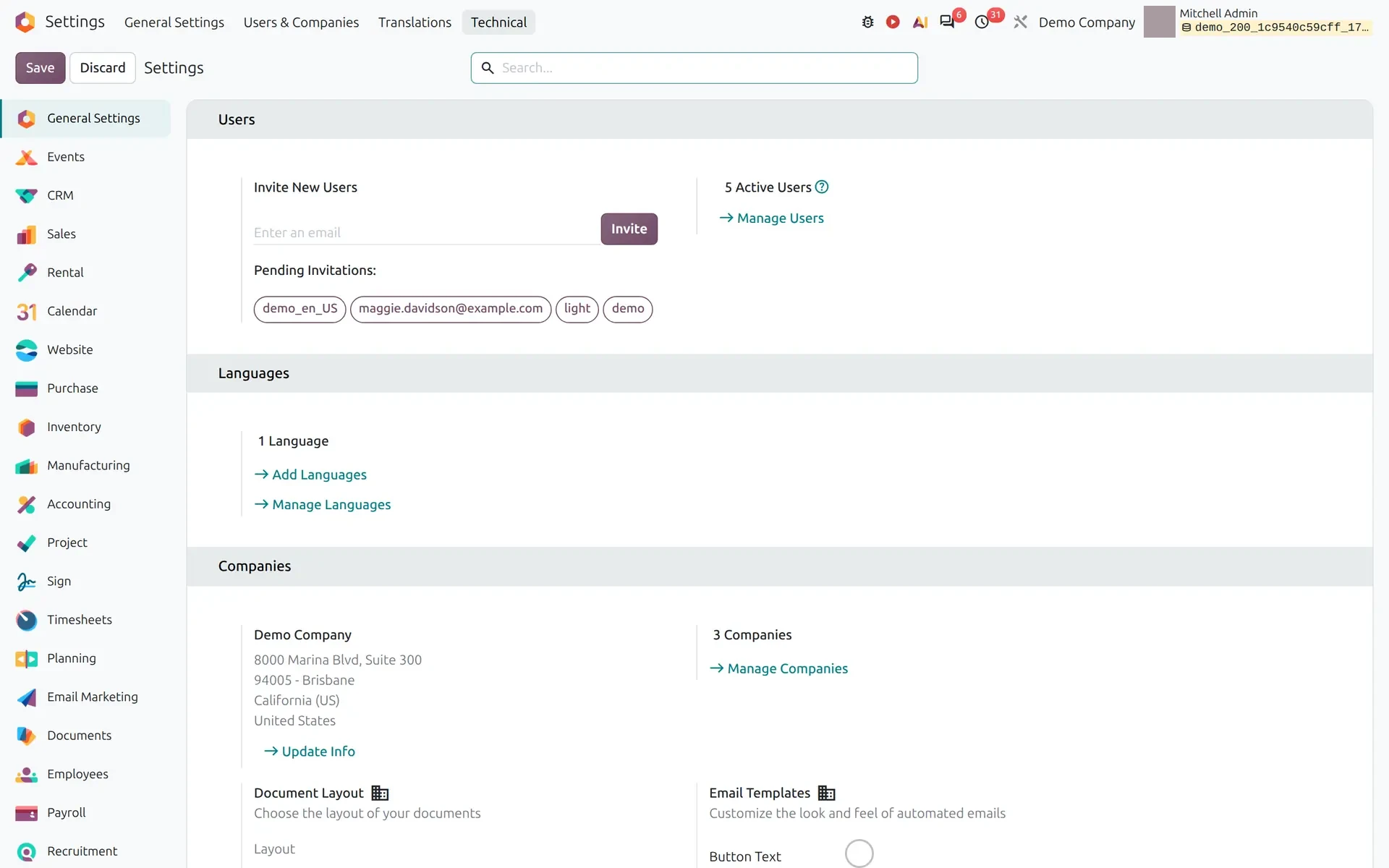
2Open the “Technical” menu
-
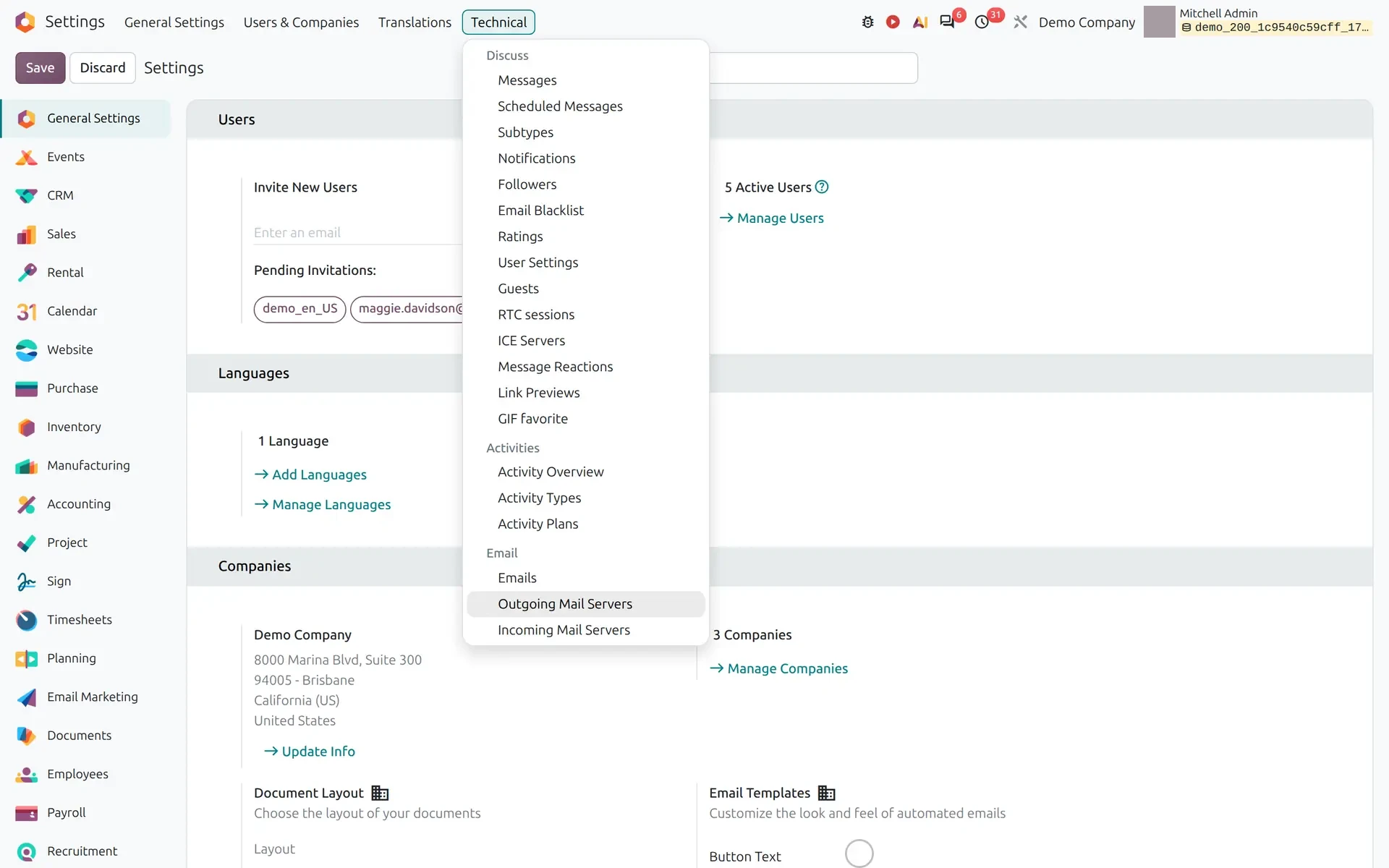
3Click “Outgoing Mail Servers”
-
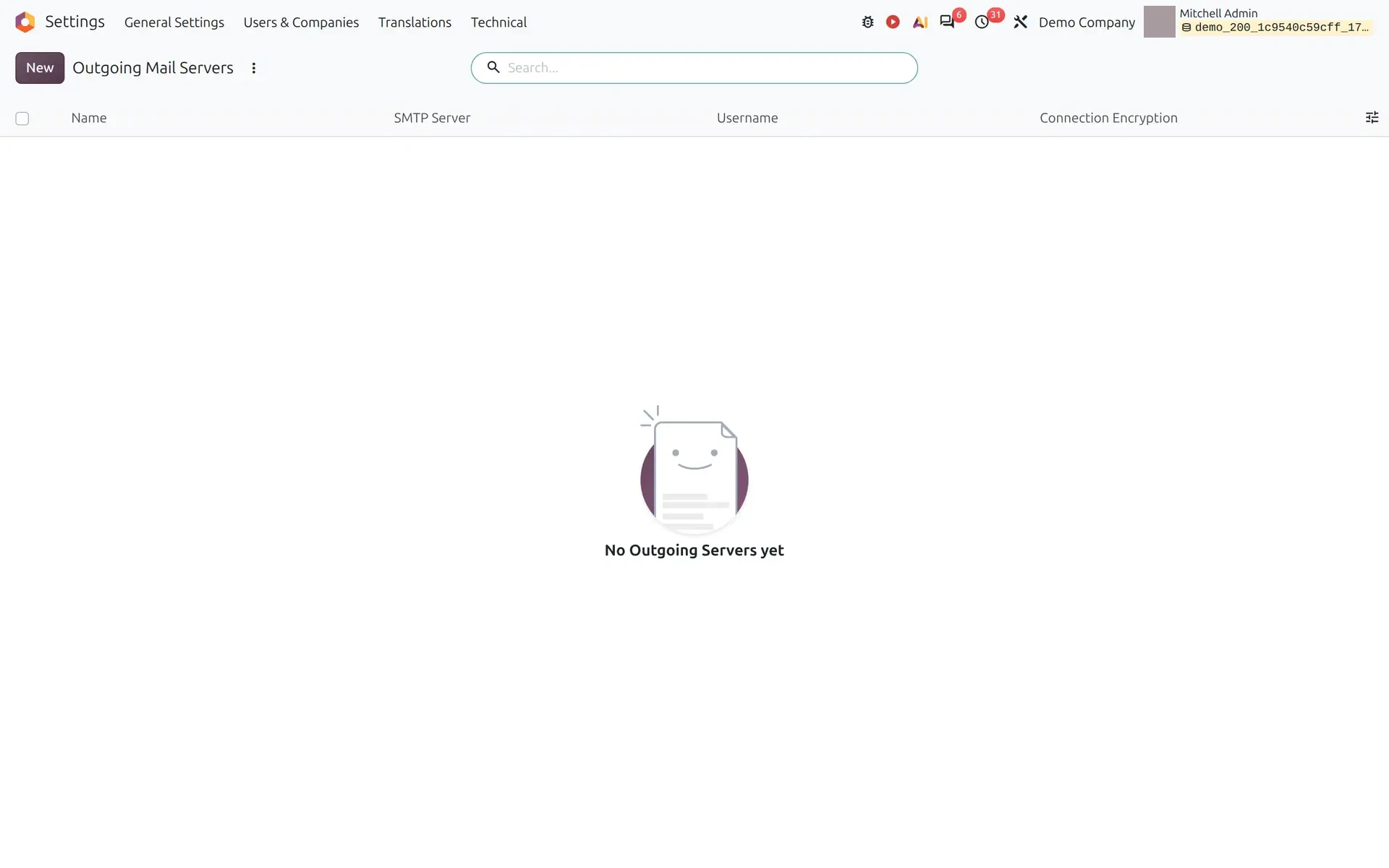
4Click “New”
-
5Give the server a name
-
6Type the SMTP server
-
7Type the username
-
8Click the save icon
-
9Click “Test Connection” to check the settings
Was this helpful?