How to create a pricelist in Odoo
Twelve steps, captured live in the Odoo demo: check that Pricelists is on in the Sales settings, create a pricelist, give it a 10% discount rule, and save it.
-
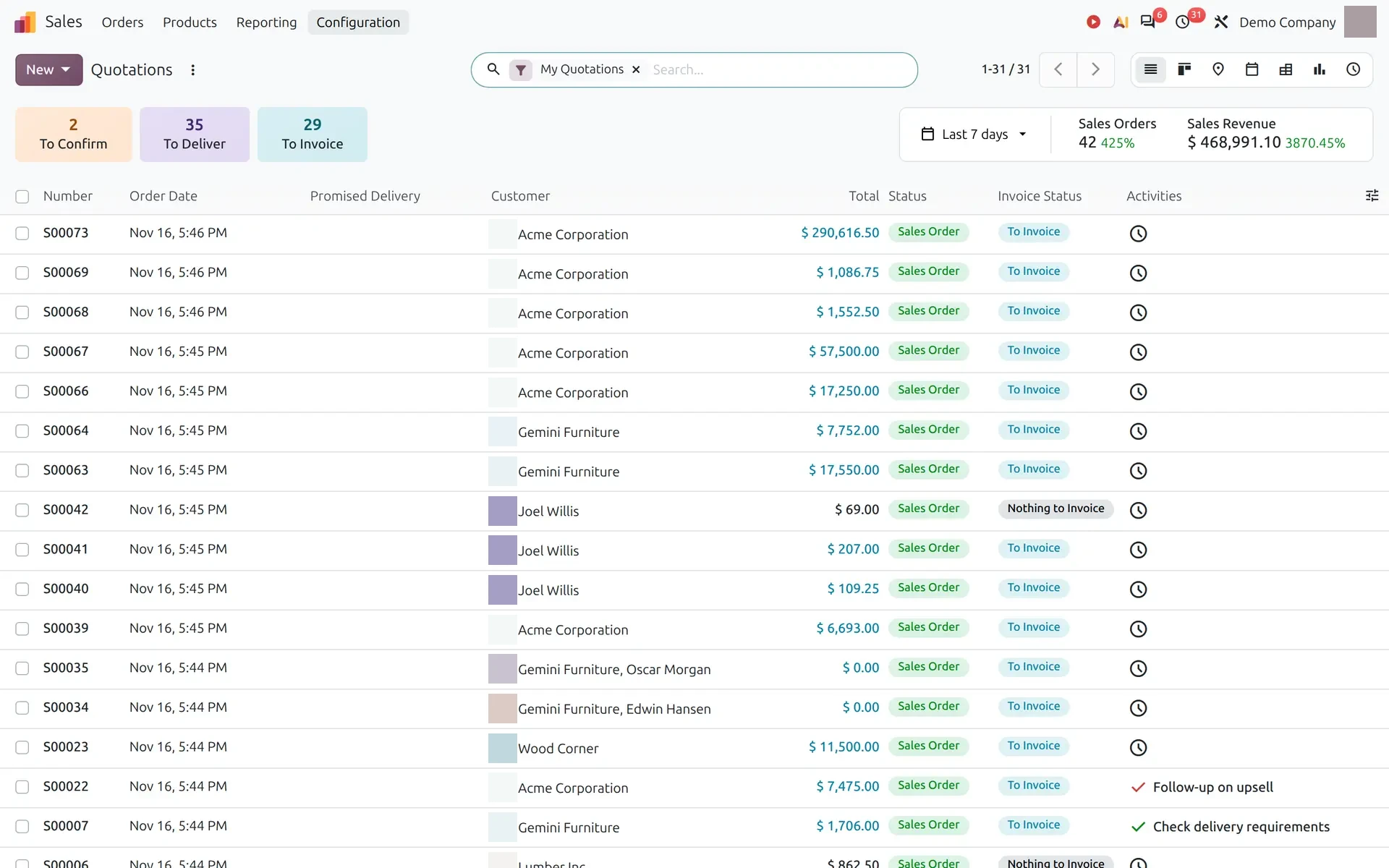
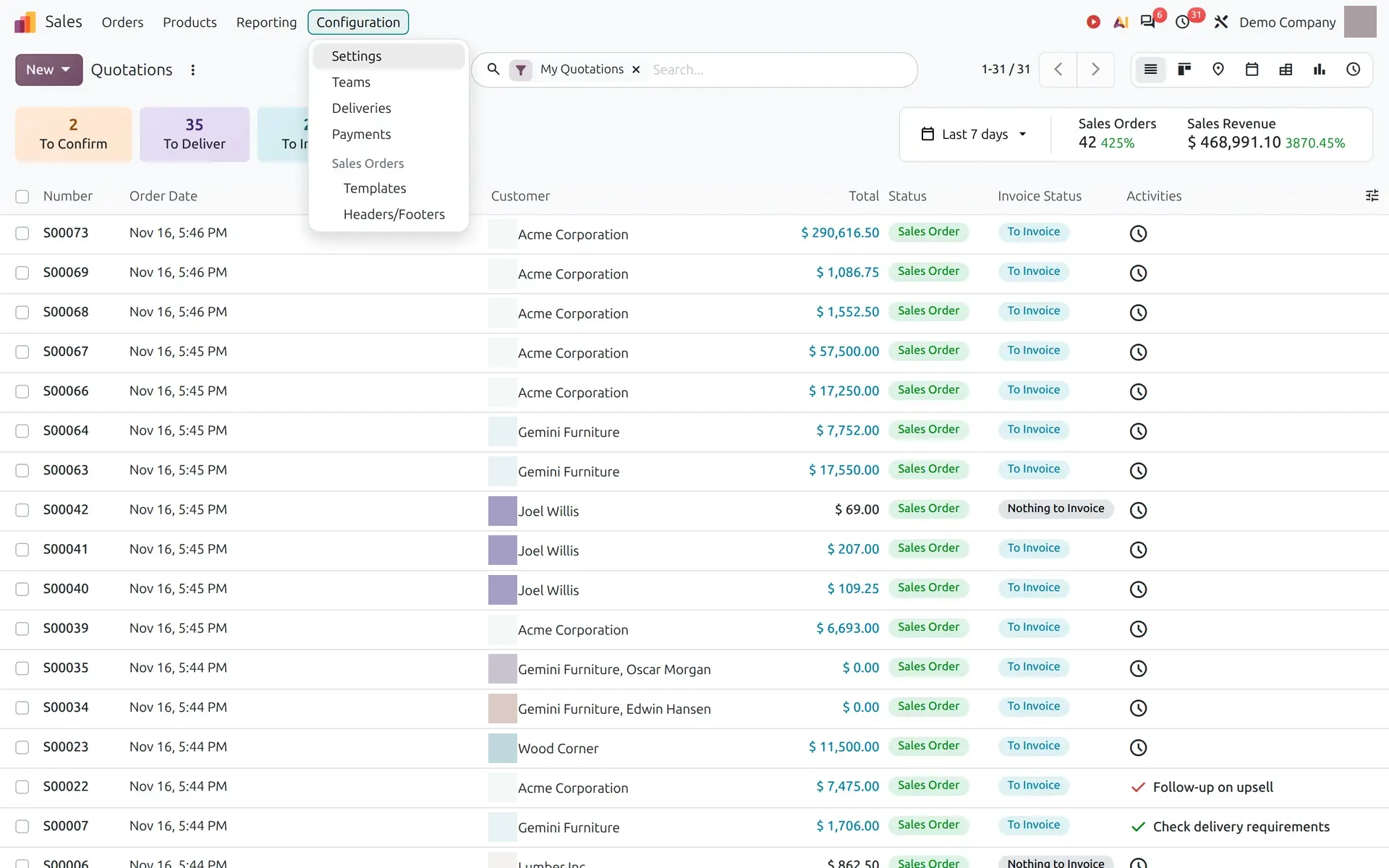
1Open the “Configuration” menu
-
2Click “Settings”
-
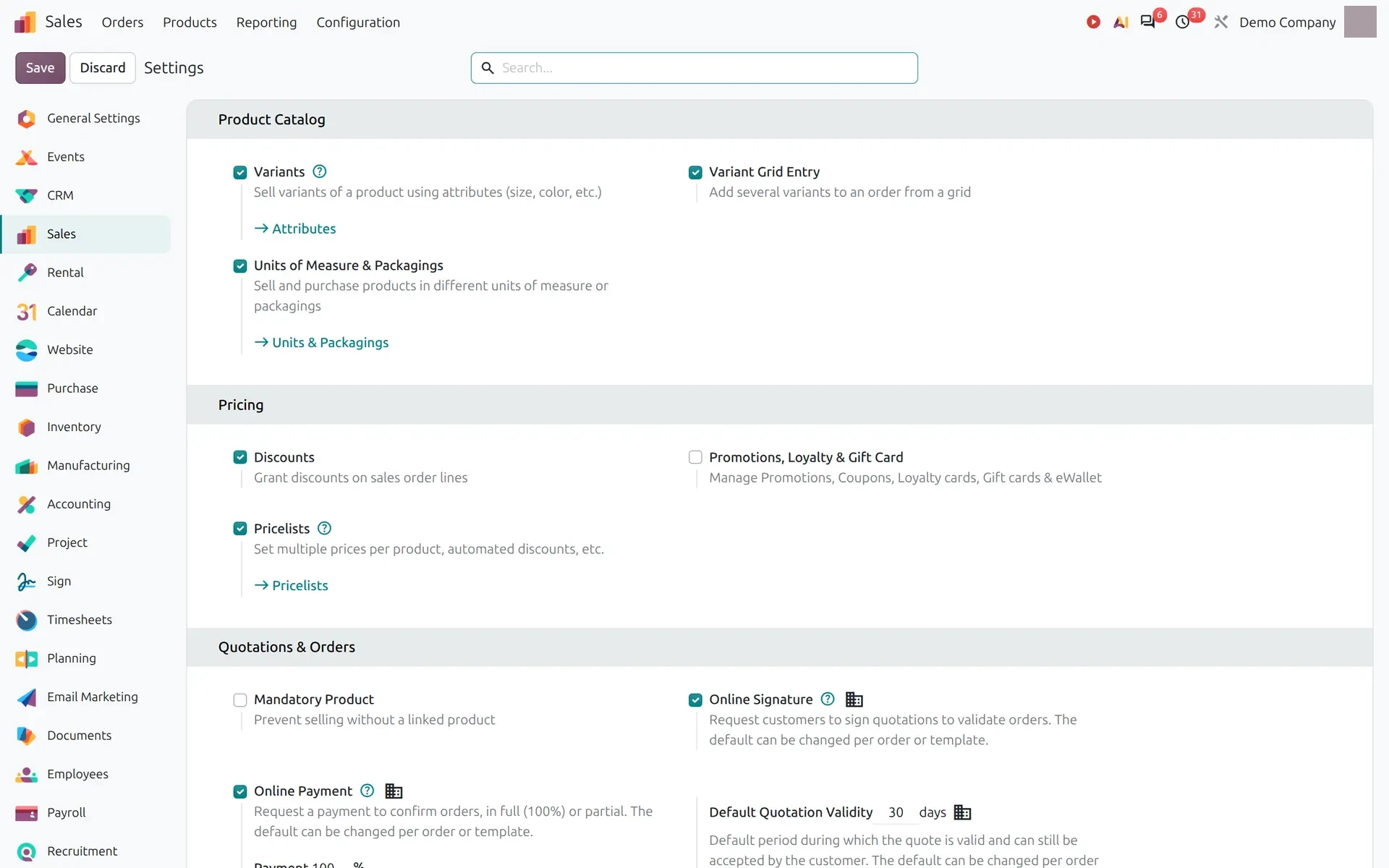
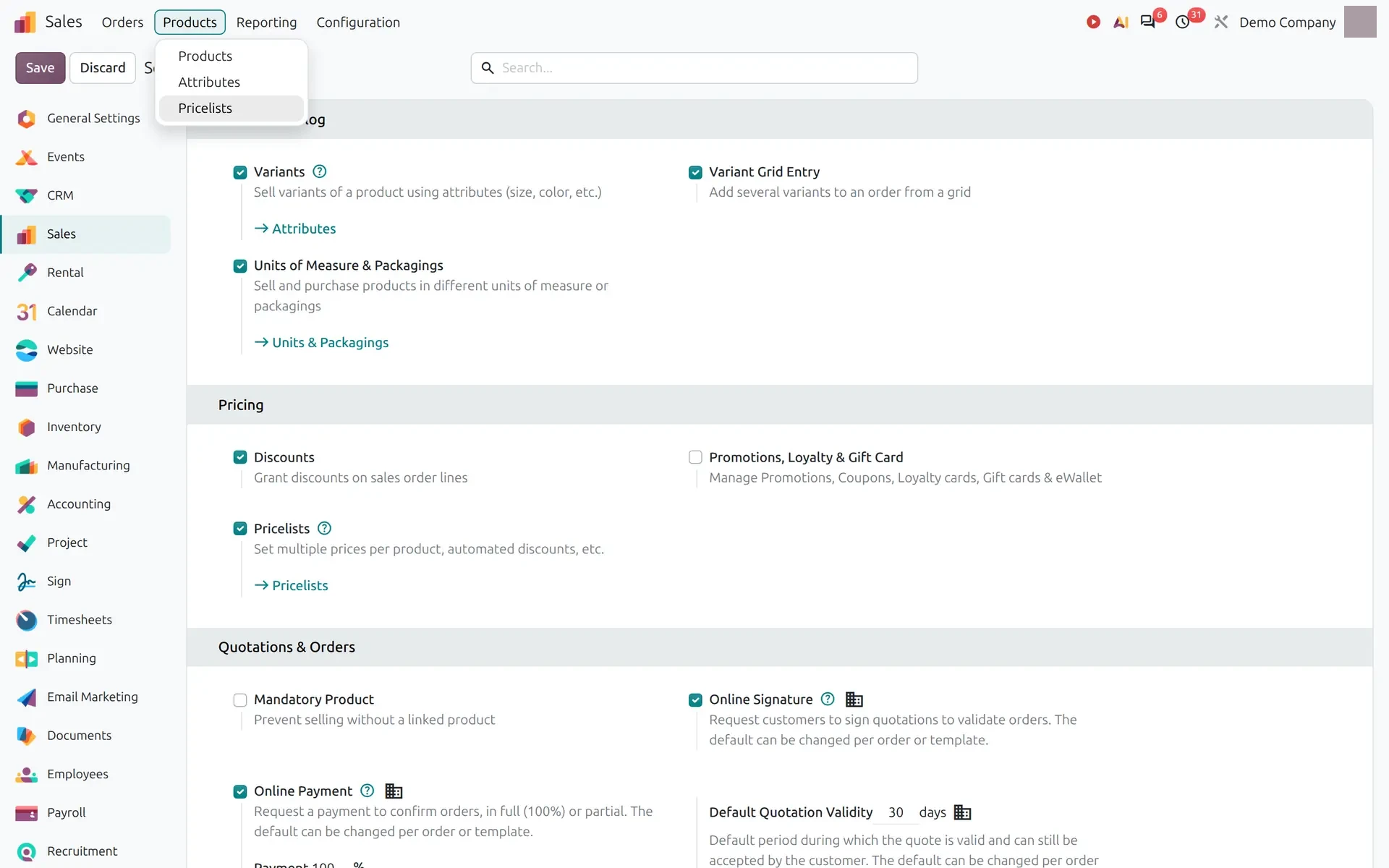
3Make sure “Pricelists” is ticked
-
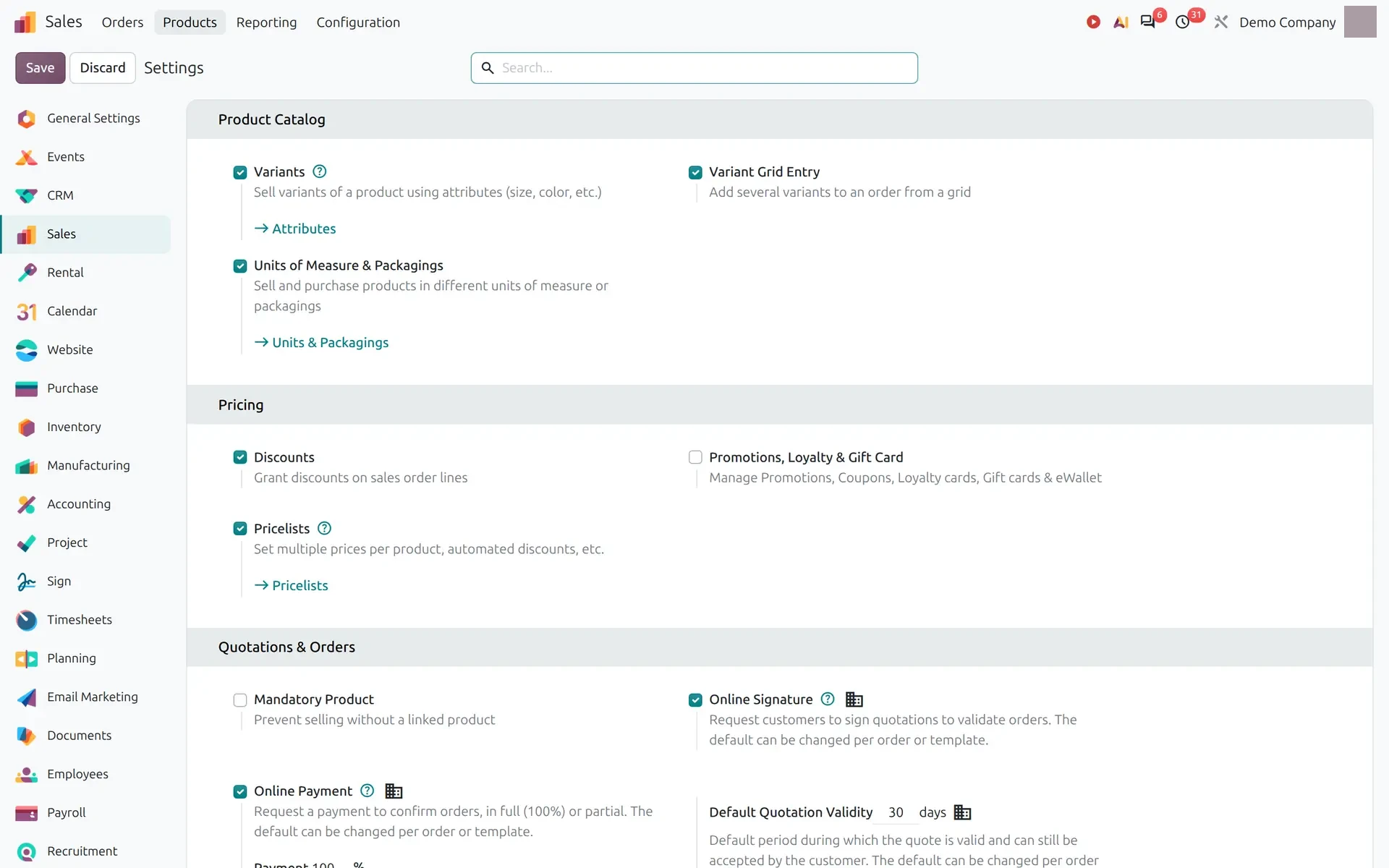
4Open the “Products” menu
-
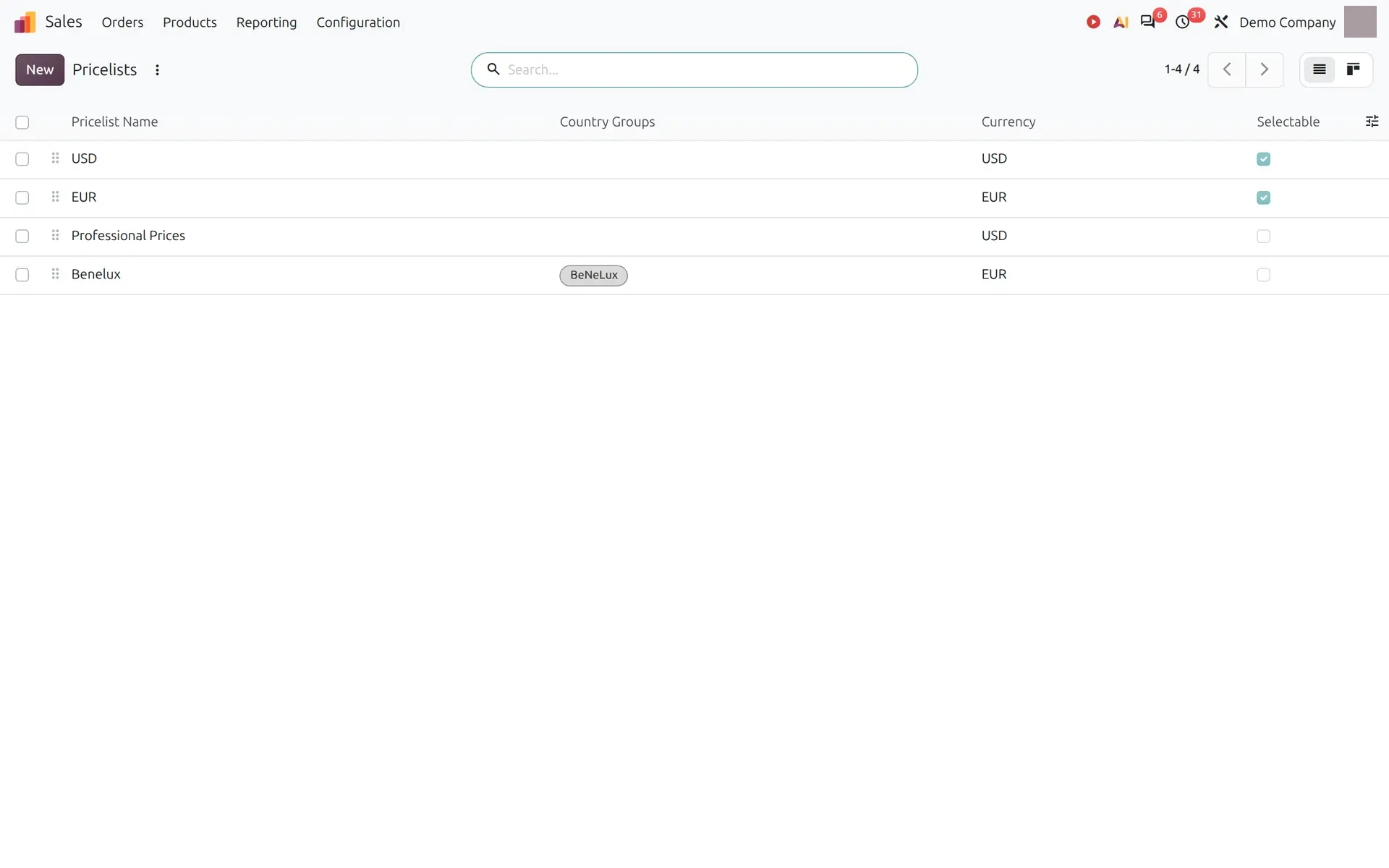
5Click “Pricelists”
-
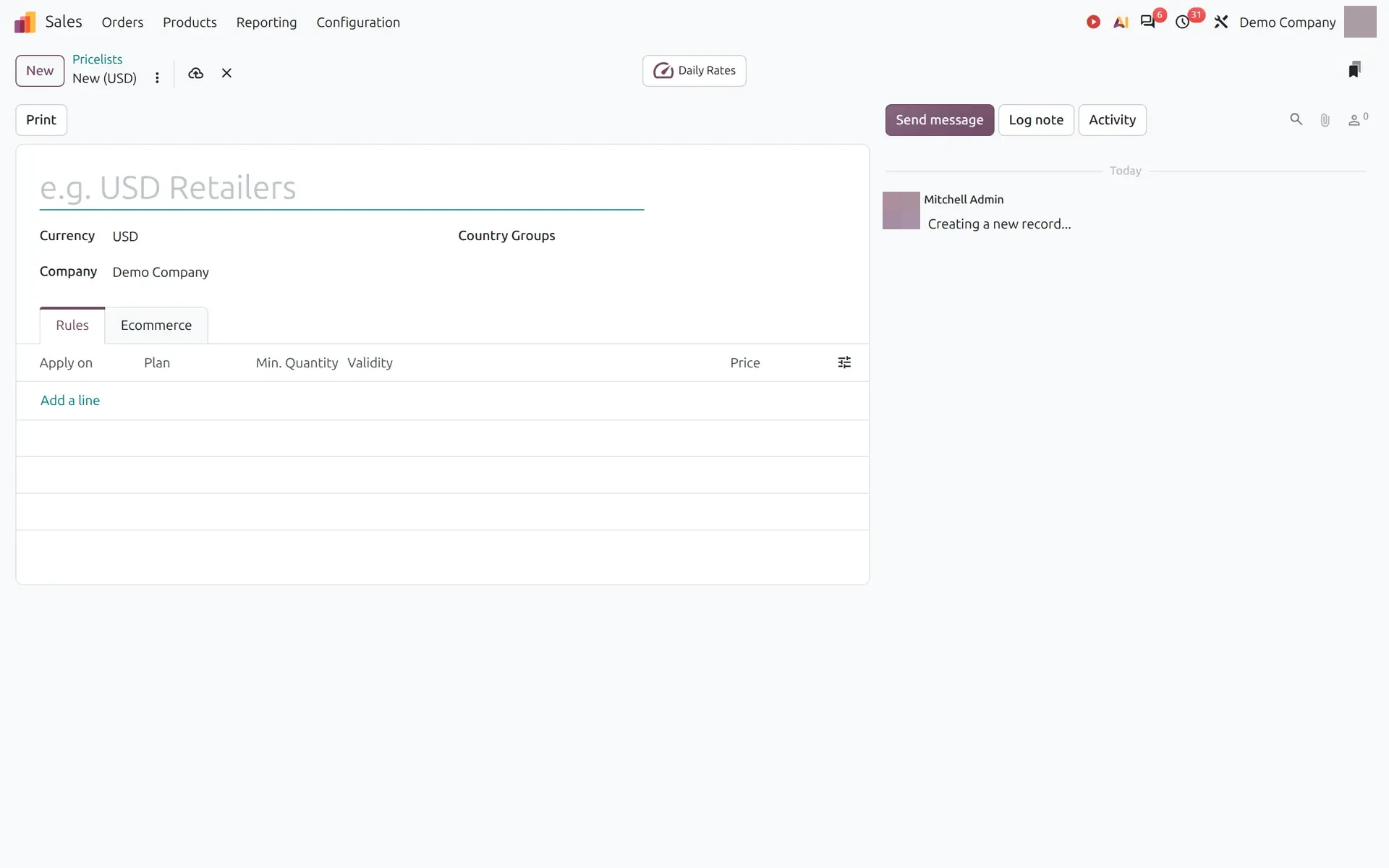
6Click “New”
-
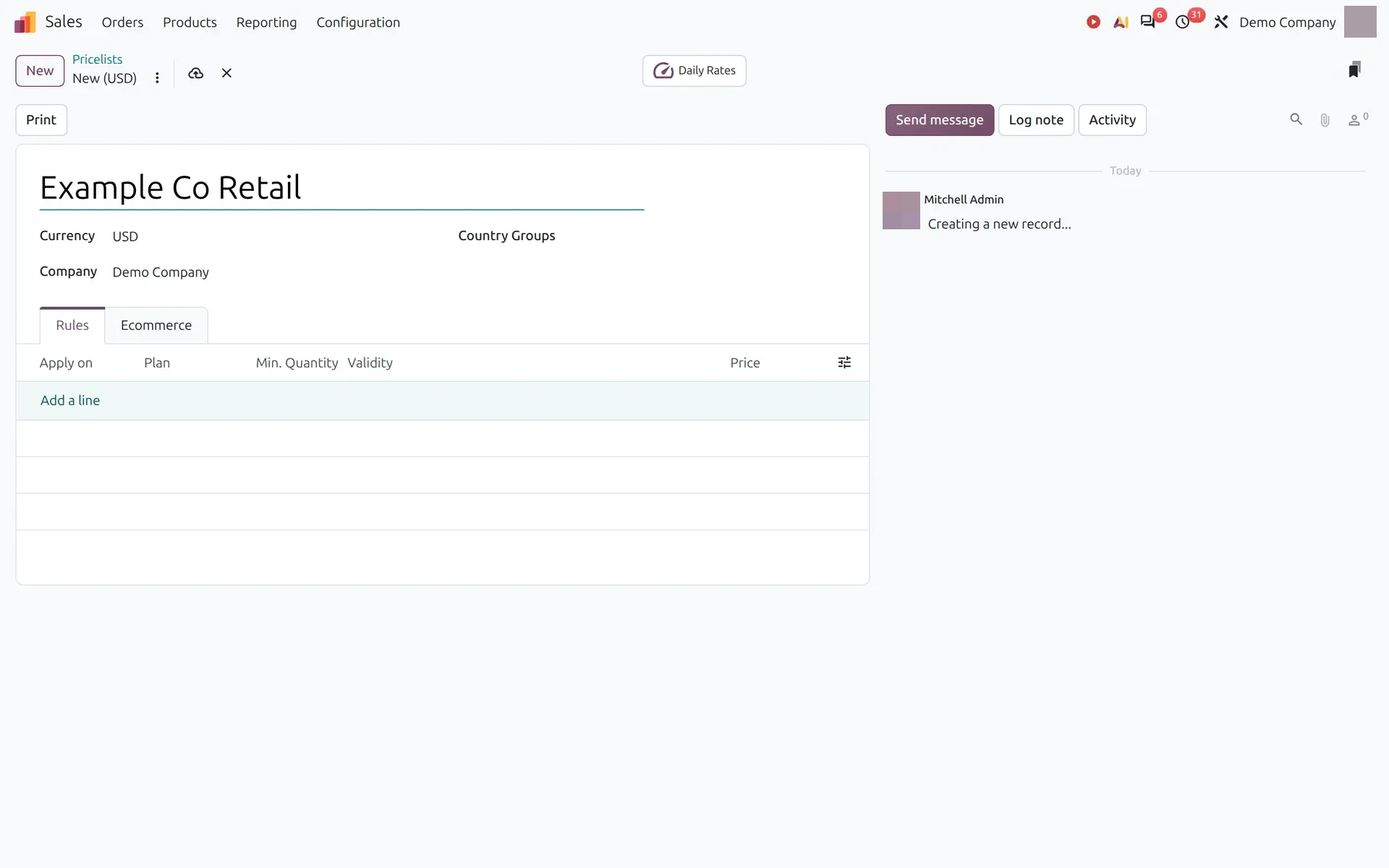
7Name the pricelist
-
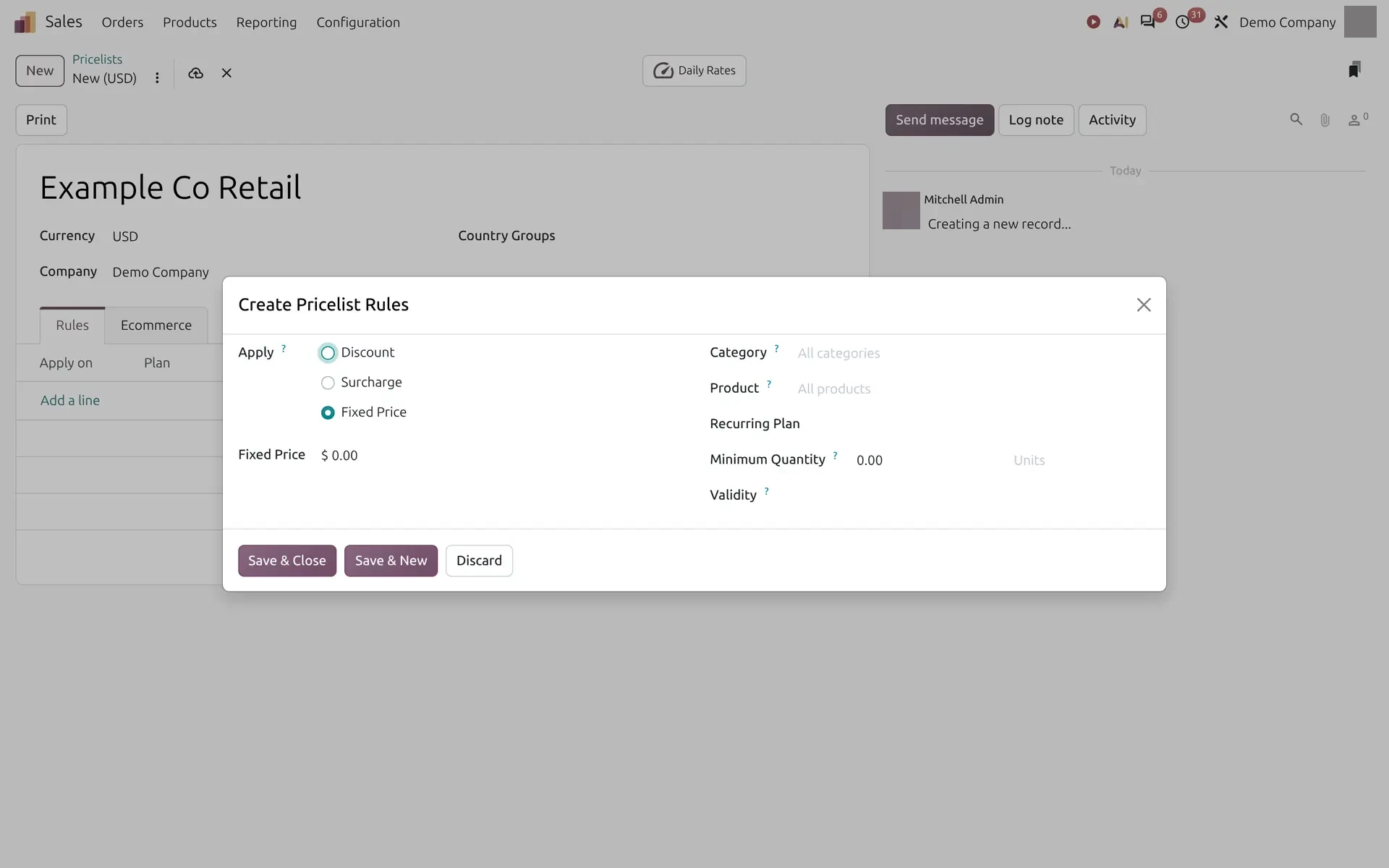
8In Rules, click “Add a line”
-
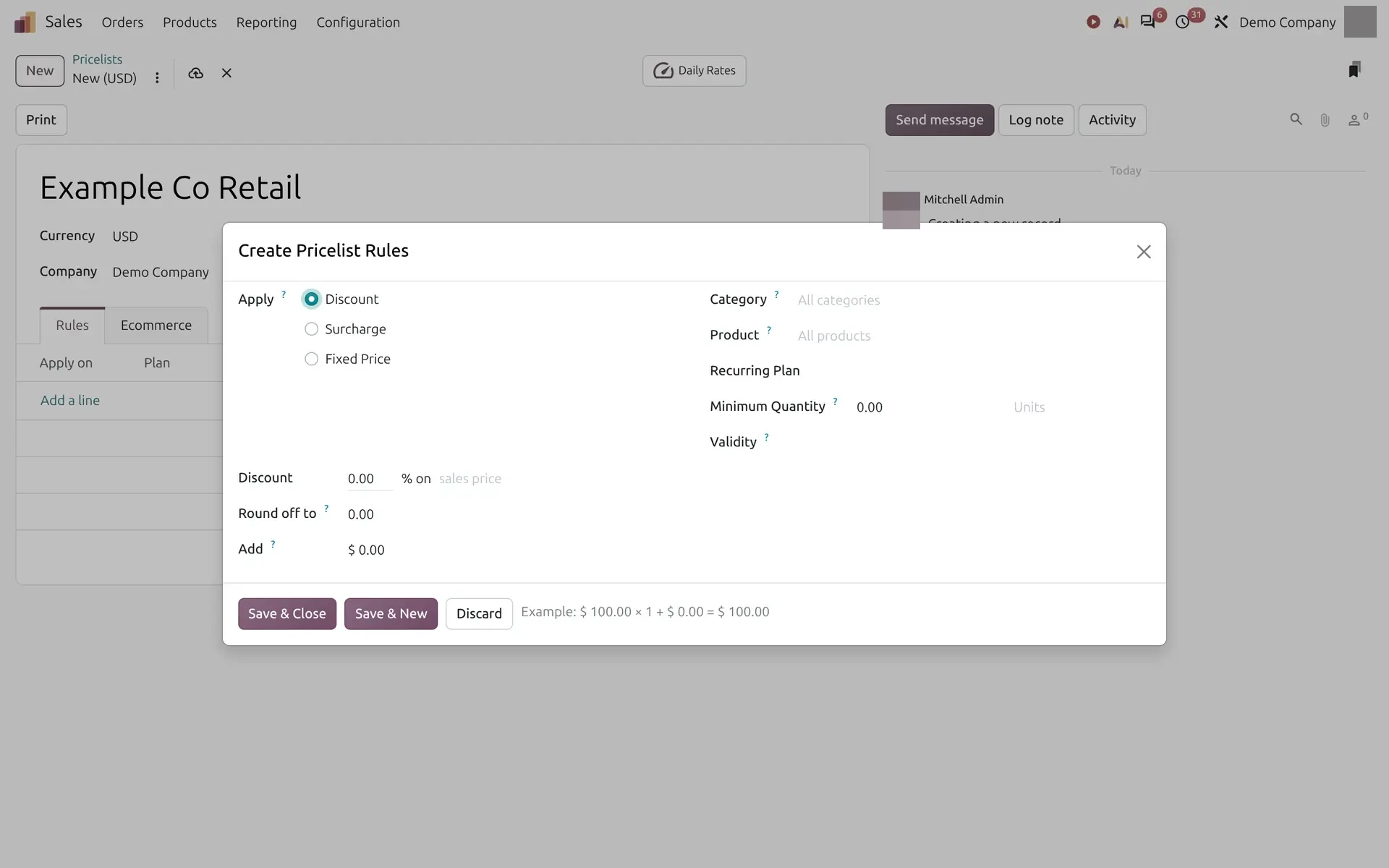
9Choose “Discount”
-
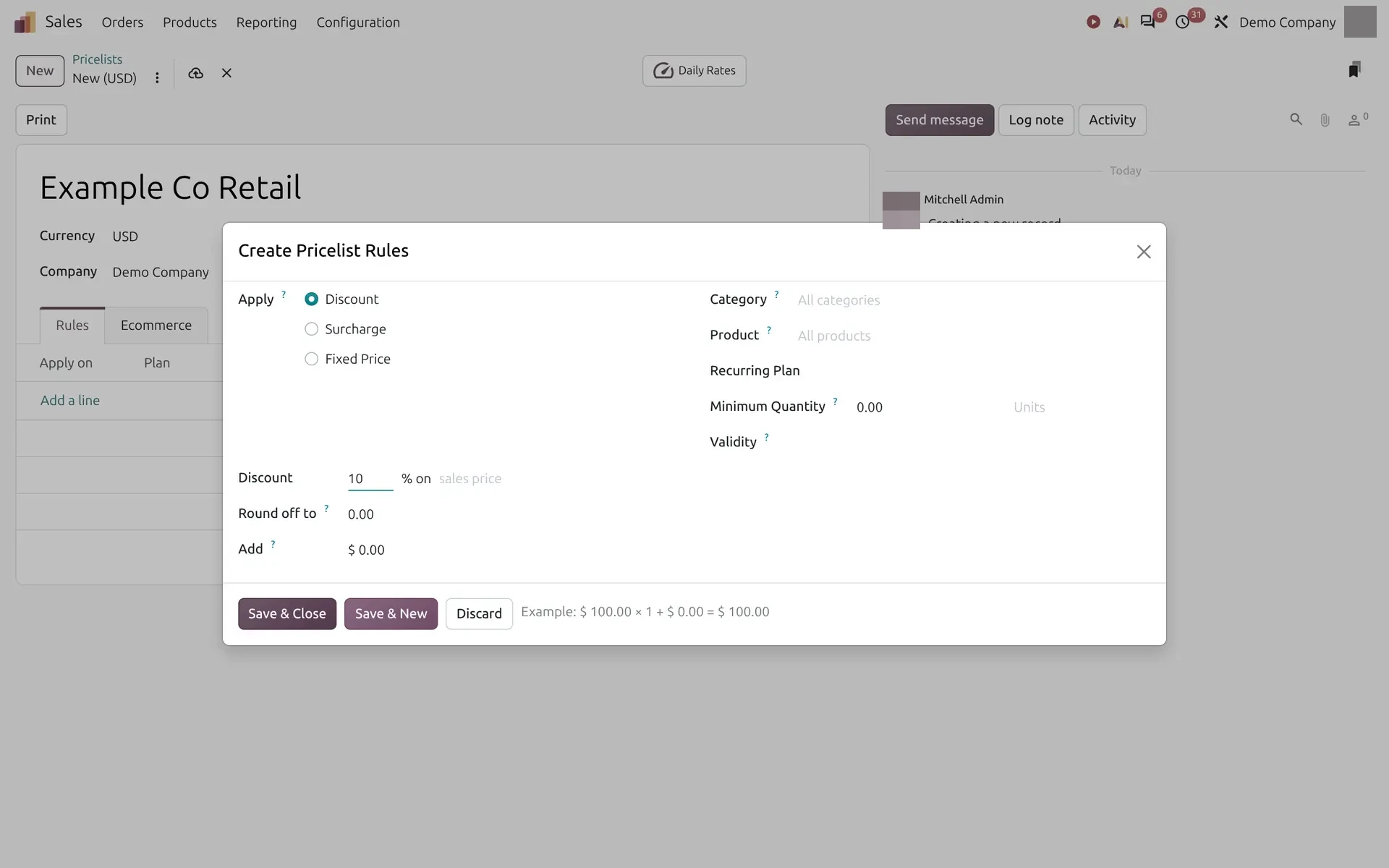
10Enter the discount
-
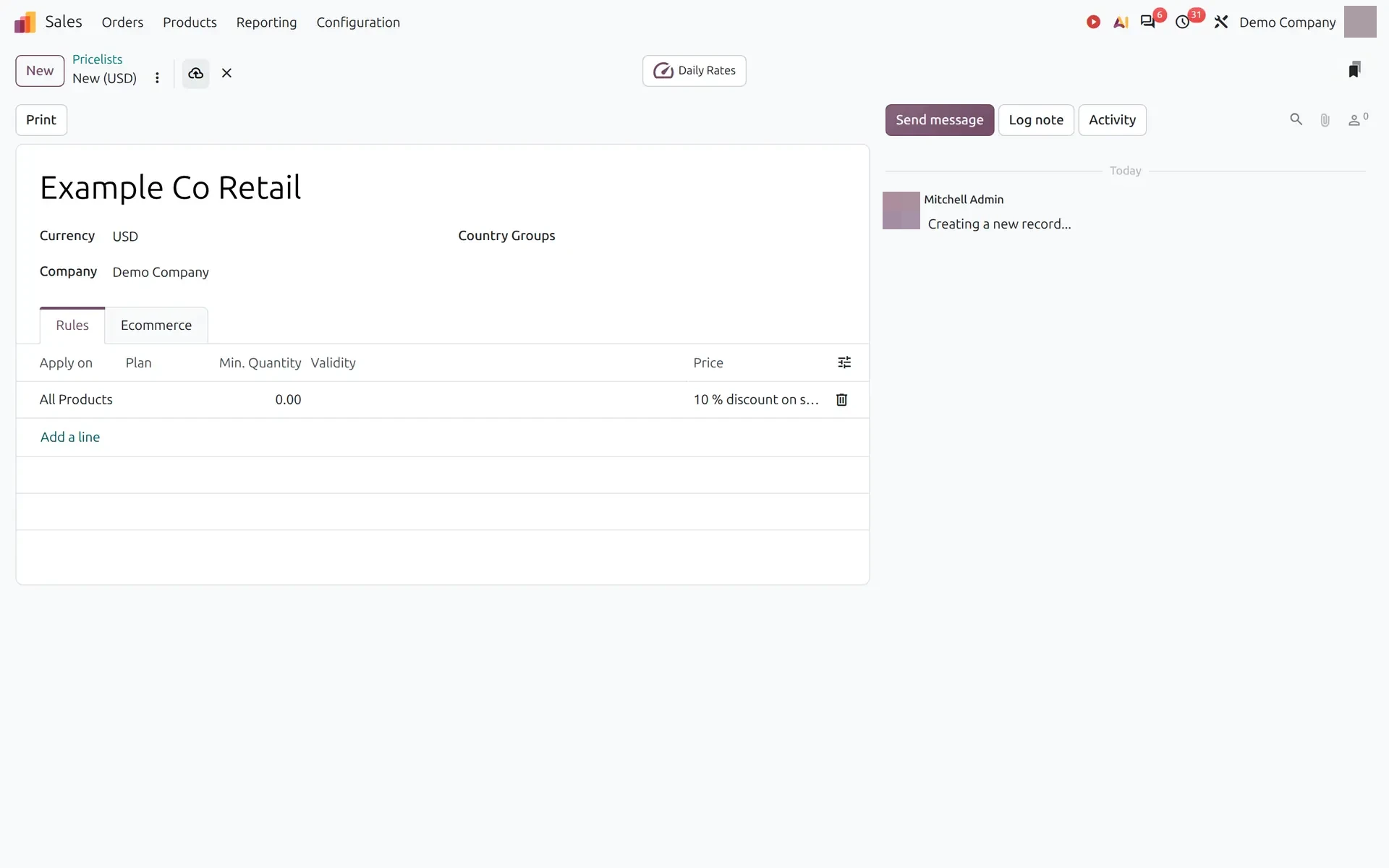
11Click “Save & Close”
-
12Click the save icon
Was this helpful?